
서론
이 장은 PEP8에 따른 파이썬 코드 스타일을 어떻게 작성하면 좋은지에 대해 설명한다.
목차
유사 Debugging
import pprint

nums = [2, 7, 11, 15]
str1 = "hello"
#모든 local 변수를 출력해준다.
pprint.pprint(locals())
출력 결과 :

PEP8 format으로 변경하기
파이참IDE를 사용하면 윈도우 기준으로 Crtl + Alt + shift + L 로 가능하다.
다른 개발툴을 사용하면 아래의 명령어로 설치하자.
$ pip install --upgrade autopep8아래와 같은 코드가 주어졌을 때 PEP8 format 자동변경을 사용할 수 있다.
Code
import math, sys;

def example1():
    ####This is a long comment. This should be wrapped to fit within 72 characters.
    some_tuple=(   1,2, 3,'a'  );
    some_variable={'long':'Long code lines should be wrapped within 79 characters.',
    'other':[math.pi, 100,200,300,9876543210,'This is a long string that goes on'],
    'more':{'inner':'This whole logical line should be wrapped.',some_tuple:[1,
    20,300,40000,500000000,60000000000000000]}}
    return (some_tuple, some_variable)
def example2(): return {'has_key() is deprecated':True}.has_key({'f':2}.has_key(''));
class Example3(   object ):
    def __init__    ( self, bar ):
     #Comments should have a space after the hash.
     if bar : bar+=1;  bar=bar* bar   ; return bar
     else:
                    some_string = """
                       Indentation in multiline strings should not be touched.
Only actual code should be reindented.
"""
                    return (sys.path, some_string)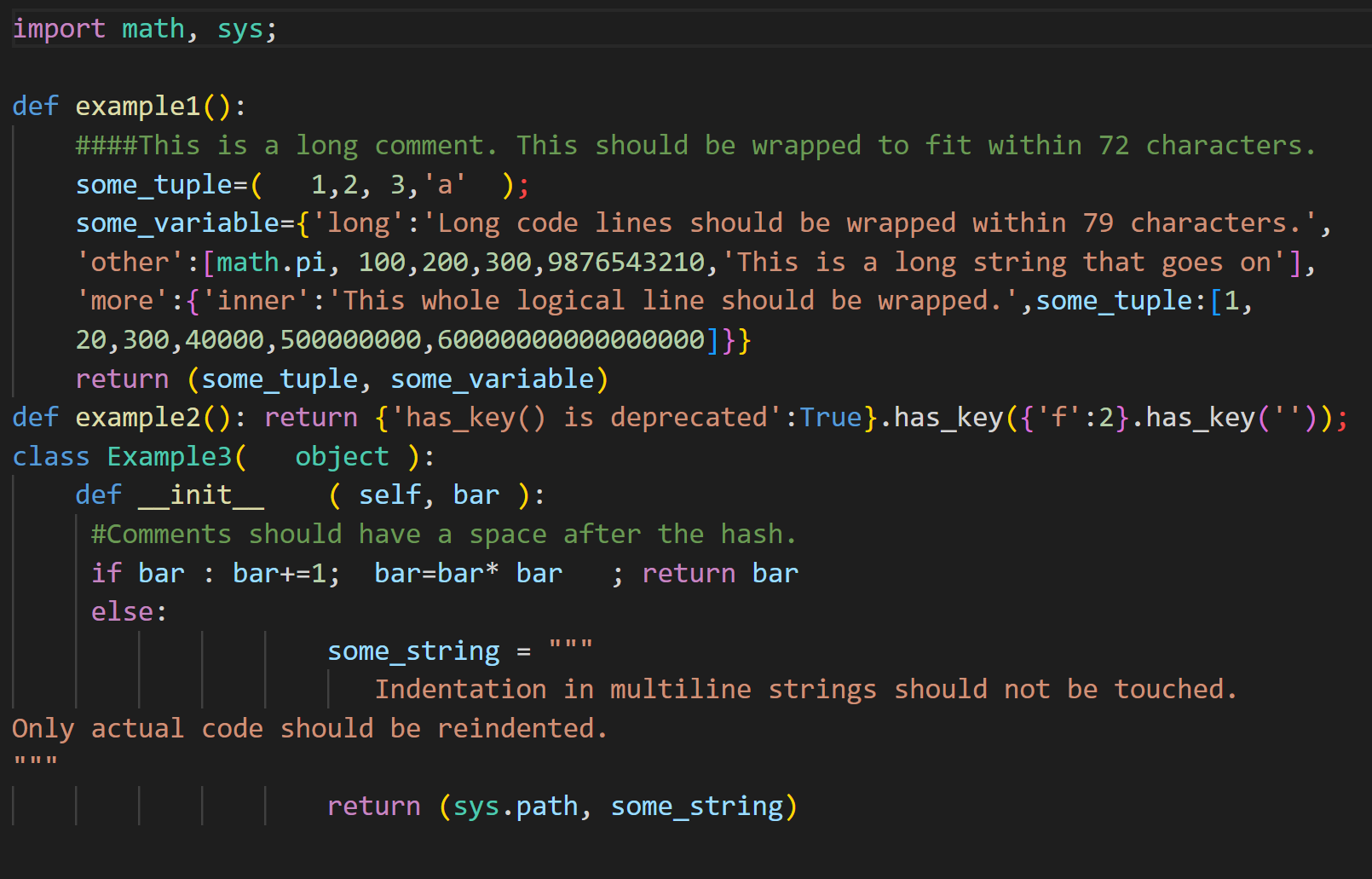
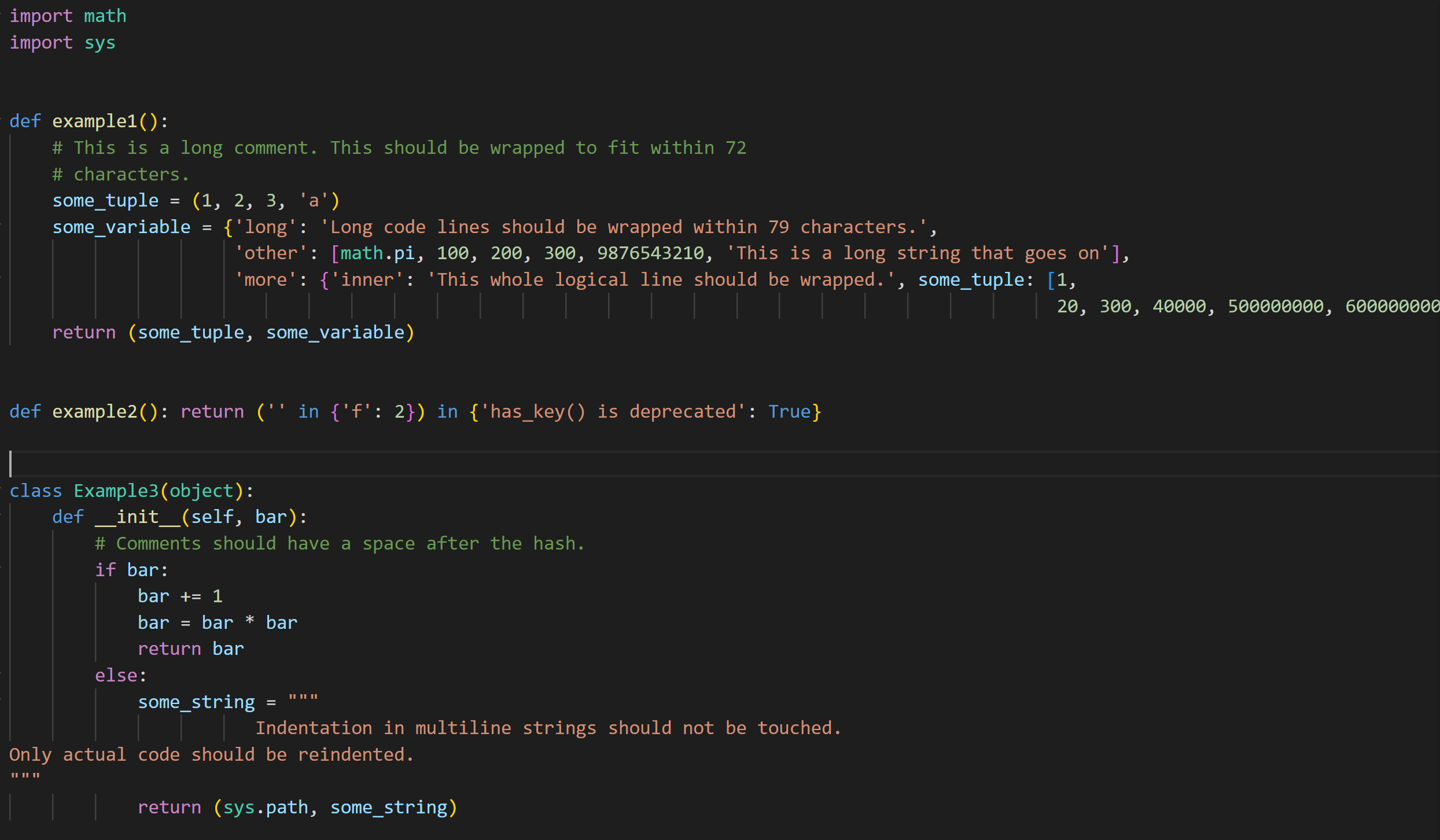
아래 명령어를 사용하면 PEP8 format으로 바뀐다.
$ autopep8 --in-place --aggressive <filename>결과는 아래와 같다.
타입 표기
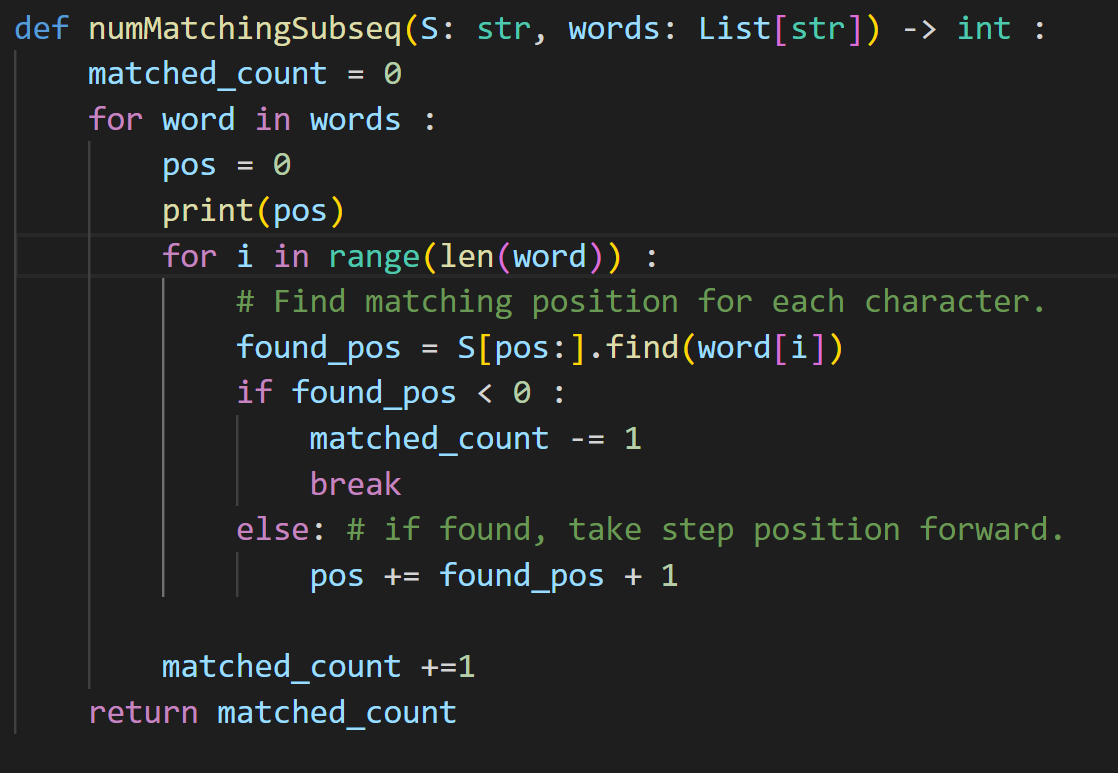
변수명 지정 등 각 변수에 대한 타입을 아래 처럼 표기해준다.
구글 파이썬 스타일 가이드
함수의 객체 생성
함수의 기본 값으로 가변 객체를 사용하면 안 된다.
함수가 객체를 수정하면 기본값이 변경되기 때문이다.
def foo(a, b=[]):
	...
def foo(a, b: Mapping={}) :
	...
기본값을 변경하지 않기 위해 불변객체 또는 새로운 객체를 만들어 사용한다.
def foo(a, b=None) :
	if b is None :
			b = []

def foo(a, b:Optional[Sequence] = None) :
	if b is None :
		b = []
True, False 표기
Example 1.
users는 정수가 아니라는 것을 가정하면 보통 len(users)는 길이가 없다는 의미로 not users가 더 적합하다.
Good
if not users :
    print("no user")
Bad
if len(users)==0 :
    print("no user")
Example 2.
정수를 처리할 때는 거짓 여부를 판별하기 보다는 비교 대상이 되는 정수값을 직접 비교하는 편이 좋다.
Good
if foo == 0 :
    self.handle_zero()
Bad
if foo is not None and not foo :
    self.handle_zero()
Example 3.
아래 코드도 명시적(Explicitly)으로 값을 비교하는 편이 좋다.
Good
if i % 10 == 0 :
    self.handle_multiple_of_ten()
Bad
if not i % 10 :
    self.handle_multiple_of_ten()
기타
- 최대 줄 길이는 80자 이내로 한다.
Comment